How to Use skills.sh: The Complete Guide to AI Agent Skills
Learn how to install, create, and share AI agent skills using skills.sh and the npx CLI. Works with Claude Code, Codex, Cursor, and GitHub Copilot.

⚡ Helpful Verdict (TL;DR)
skills.sh is a dead-simple package manager for AI agent behavior — one npx command and your coding agent gains new, reusable capabilities. If you're using Claude Code, Cursor, Codex, or GitHub Copilot regularly, this is genuinely worth five minutes of your time to set up.
Key Takeaways
- Skills are markdown files that teach AI agents how to do specific tasks — think of them as reusable instruction manuals your agent loads on demand.
- Install any skill with a single command:
npx skills add <owner>/<skill-name> - Skills work across Claude Code, OpenAI Codex, Cursor, and GitHub Copilot — write once, run anywhere.
- The CLI is open source, maintained by Vercel Labs at github.com/vercel-labs/skills.
- Telemetry is fully anonymous — only tracks which skills are installed, nothing personal.
Why You Should Care About This Right Now
Here's the situation: AI coding agents are getting powerful fast, but they still make the same dumb mistakes repeatedly. They generate UI that looks like it was assembled by a committee of robots. They forget your team's code review conventions. They reinvent the wheel every single session.
Skills fix that. Instead of re-explaining your standards to Claude Code every morning, you install a skill once and your agent just knows.
The anthropics/skills GitHub repo has accumulated 91.7k stars and 9.8k forks — that's the kind of velocity that signals genuine developer excitement, not manufactured hype. And Vercel Labs just shipped skills.sh, a CLI-powered directory that makes discovering and installing these skills as easy as grabbing an npm package.
 anthropics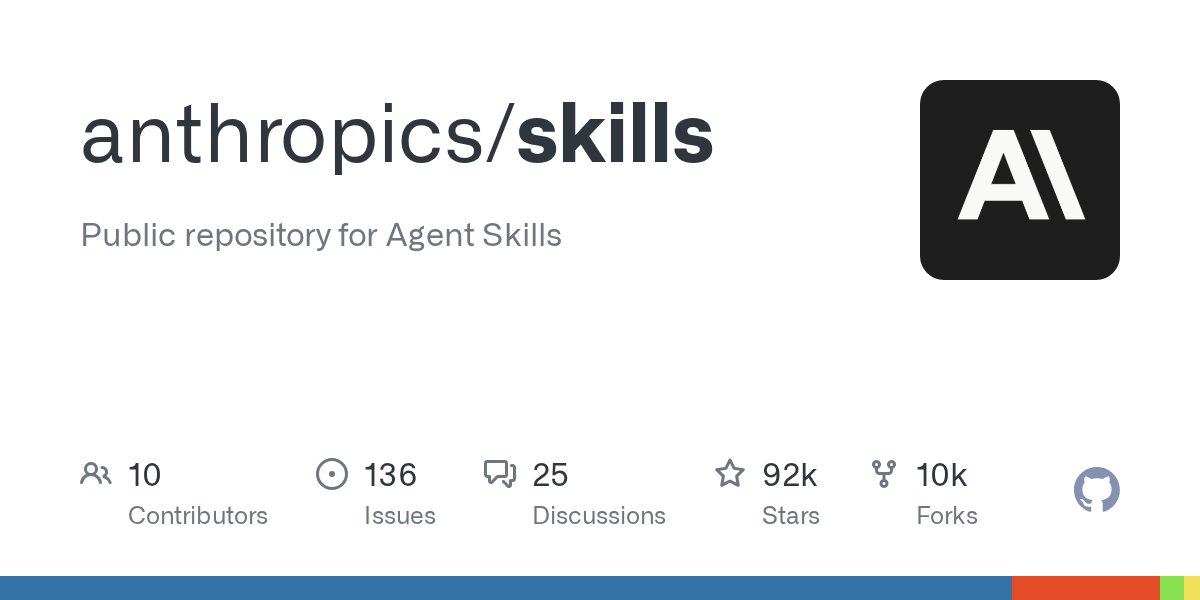
According to early benchmark data from SkillsBench, curated skills can improve AI task performance by 40% or more on some tasks — though results vary a lot depending on what you're asking the agent to do.
What Exactly Is a Skill?
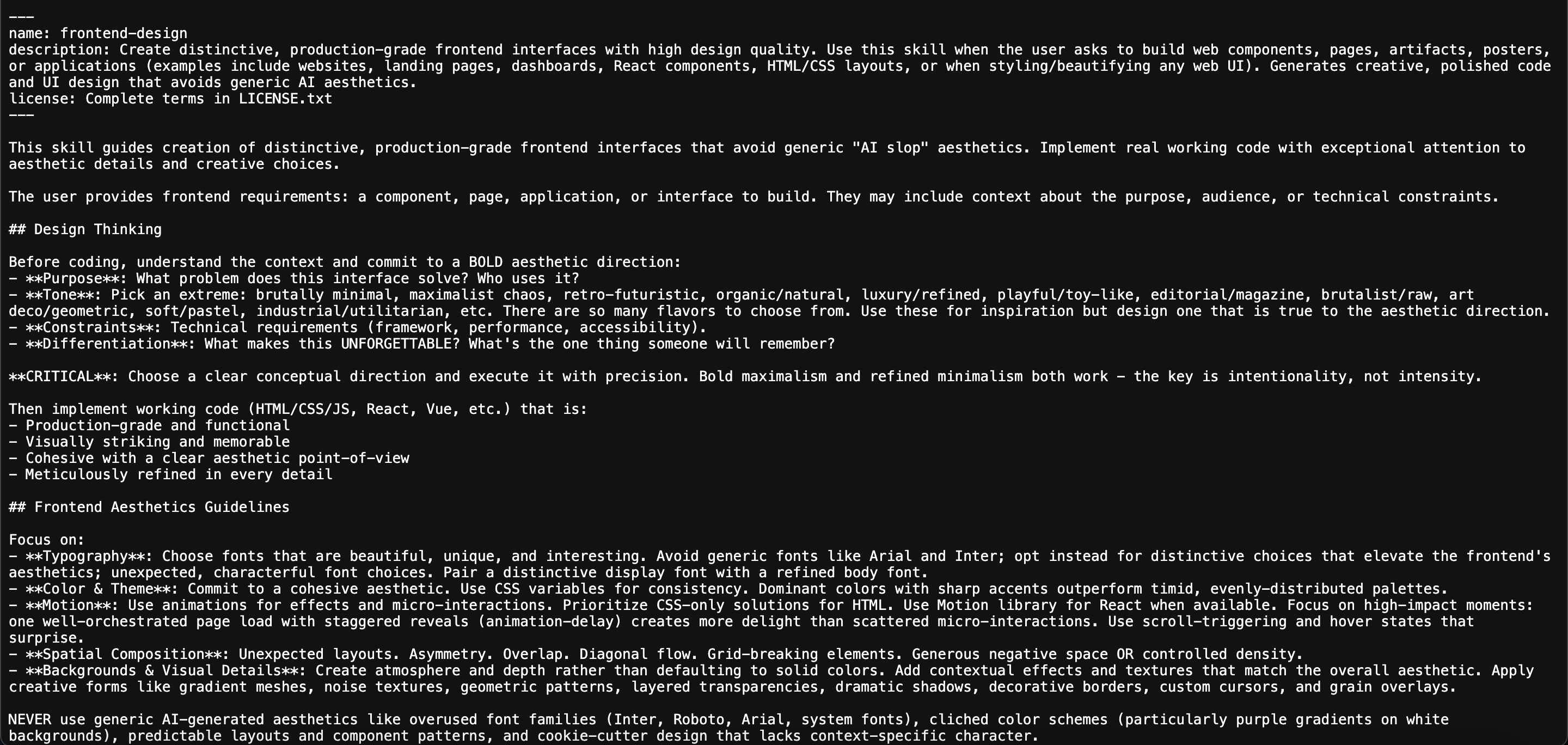
A skill is a reusable capability package — essentially a folder containing a SKILL.md file, optional scripts, and any supporting resources. The markdown file is the brain of the operation.
Think of it like a recipe card. The recipe card (the skill) tells your AI chef (the agent) exactly how to make a dish. Without the card, the chef improvises and you get inconsistent results. With the card, you get the same dish reliably, every time.
The SKILL.md file only requires two things in its YAML frontmatter header — that's the block of settings at the very top of the file:
name— lowercase, hyphen-separated (e.g.,frontend-design)description— explains what the skill does and, critically, when the agent should use it
That description field matters more than it sounds. It's the main signal your agent uses to decide whether to load the skill into its active context — like a label on a filing cabinet telling you what's inside before you open it.
The rest of the file is just clear, specific markdown instructions. No magic. No proprietary format. Just well-written procedural guidance.
Step 1 — Install a Skill with the CLI
You don't need to install anything globally first. The skills CLI runs via npx, so you can use it immediately in any project directory.
The core command format is:
npx skills add <owner>/<skill-name>For example, to install Anthropic's full agent skills collection:
npx skills add anthropics/agent-skillsWhen you run this, the CLI will:
- Ask you to confirm the installation
- Show you the available skills in that package
- Let you pick which skill(s) to enable
- Ask whether to install at project scope (just this project) or global scope (all your projects)
The real win here is the scope control. Installing at project scope means your frontend design skill doesn't accidentally bleed into your backend API project. That's sensible and something a lot of similar tools get wrong.
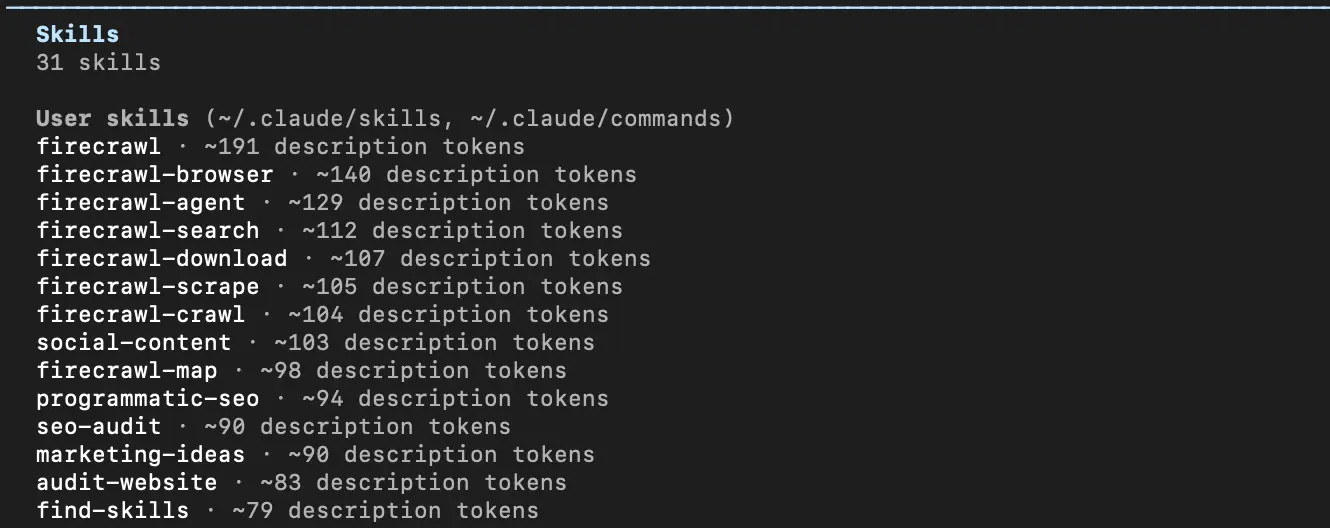
After installation, if you're in Claude Code, run /skills to see all installed skills active in your current session.
Step 2 — Browse Skills Worth Installing
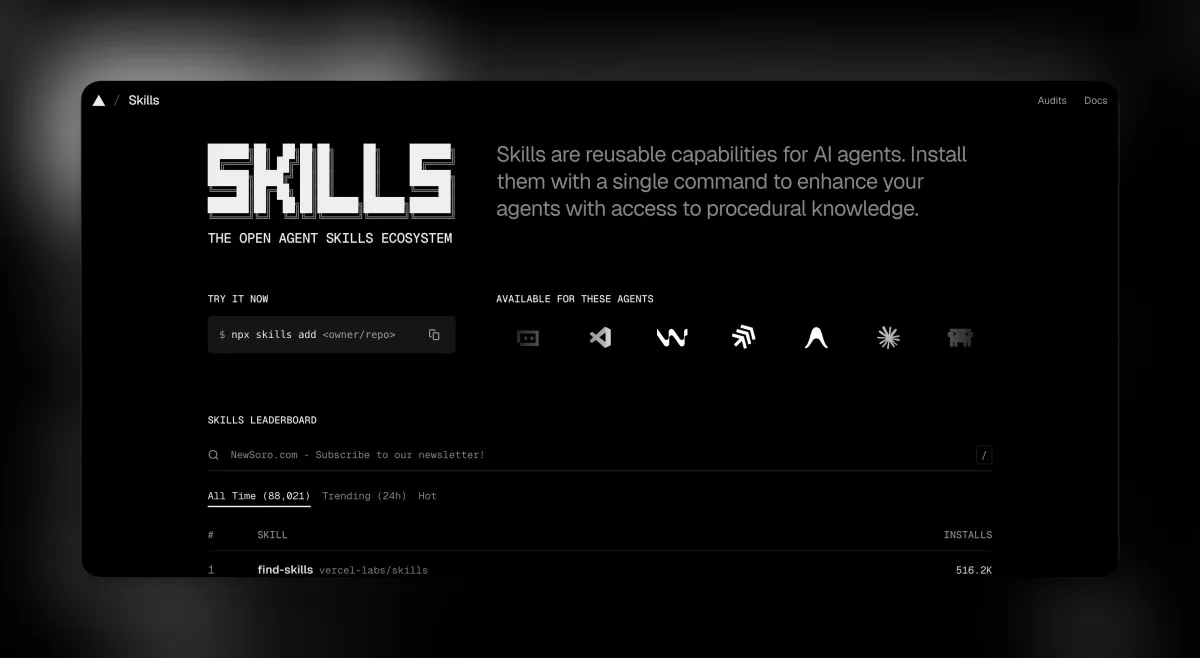
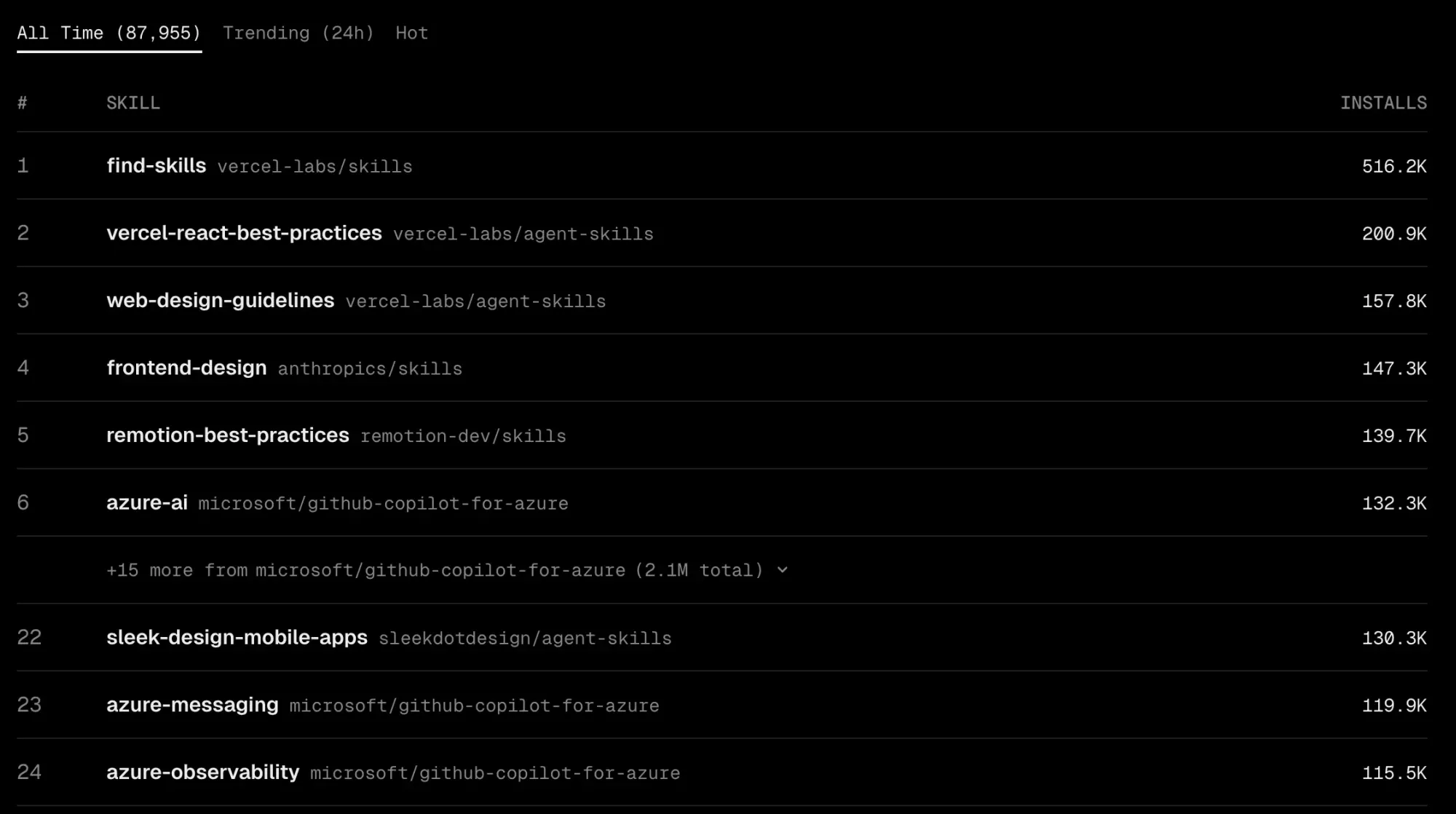
Head to skills.sh to browse the leaderboard. Skills are ranked by anonymous install telemetry — so what's trending is actually what developers are finding useful, not what someone paid to promote.
Some starting points worth exploring:
- Frontend design — gives your agent opinionated, non-AI-looking UI guidance
- SEO audit — structured checklist your agent follows when reviewing pages
- Agent browser — extends what your agent can do on the web
- Skill creator (from Anthropic) — teaches your agent how to write new skills
Anthropic has also open-sourced their internal document processing skills — the ones that power real PDF, DOCX, PPTX, and XLSX handling in Claude. Browse those at github.com/anthropics/skills to see what production-grade skill writing actually looks like.
Step 3 — Install Skills in Claude Code Specifically
If you're using Claude Code as your primary agent, there's an alternative installation path using plugin commands directly inside Claude Code:
/plugin install document-skills@anthropic-agent-skillsOr browse the marketplace interactively:
/plugin marketplace add anthropics/skillsBoth approaches get you to the same place. The npx skills add path is more universal (works across platforms), while the /plugin commands are Claude Code-native and feel more integrated if that's your primary tool.
Step 4 — Create Your Own Skill
This is where things get genuinely interesting. Building a custom skill for your team's specific workflow takes maybe 20 minutes and can save hours of repeated context-setting.
Here's the structure to create:
my-skill/
  SKILL.md
  (optional scripts or resources)
Your SKILL.md starts like this:
---
name: my-skill-name
description: What this skill does and when the agent should use it.
---

## Instructions

Your detailed markdown instructions go here...
A few things that make a skill actually good:
- Be specific in the description. Vague descriptions mean the agent won't know when to load the skill. "Helps with code" is useless. "Use this when writing React components to enforce our team's naming conventions and file structure" is useful.
- Write instructions like you're briefing a smart contractor who has never worked with your team. What do they need to know? What mistakes should they avoid?
- Keep each skill focused on one job. A skill that does ten things does none of them well.
If you want to see this pattern at its best, look at how Anthropic structured their internal document skills as source-available reference implementations. The patterns they use are worth studying before you write your own.
Step 5 — Share Your Skill
Once your skill is working, sharing it is straightforward: push the skill folder to a public GitHub repository. Once it's public, anyone can install it with:
npx skills add your-github-username/your-repo-nameIf you want your skill to appear on the skills.sh leaderboard and get discovered by other developers, the community is actively contributing to the ecosystem — the anthropics/skills repo's 9.8k forks suggest a lot of people are already building and sharing.
For more formal distribution (especially through Claude Code's marketplace), Anthropic also supports a plugin/marketplace pathway via /plugin marketplace commands — which makes sense for skills you want to package with versioning and proper discoverability.
Which Platforms Support Skills?
One of the genuinely good design decisions here is that the Agent Skills standard is platform-agnostic. The same skill file works across:
- Claude.ai
- Claude Code
- Claude API
- OpenAI Codex
- Cursor
- GitHub Copilot
That cross-platform support is what makes the standard worth investing in. You're not locked into one agent ecosystem.
Community Buzz: What Developers Are Actually Saying
The community hot take that keeps surfacing is this: skills are essentially "system prompts as a package manager." The underlying mechanism isn't novel — it's just well-written markdown instructions. The real innovation is distribution and discoverability. Having a CLI and a public directory means these instructions can be versioned, shared, and improved by the community instead of living in someone's Notion doc.
There's also a lively debate about whether skills and MCP (Model Context Protocol) are competing standards. The prevailing developer consensus is that they're not — skills handle procedural knowledge (how to do X), while MCP handles tool access (what the agent can reach). Both will likely coexist.
But here's the catch the community isn't glossing over: security. Skills are community-submitted markdown files. The skills.sh documentation explicitly states that while routine security audits happen, they "cannot guarantee the quality or security of every skill listed." For enterprise teams running production agent pipelines, that's a real flag. A malicious skill is just a markdown file with harmful instructions — no code execution required to cause problems.
The setup difficulty, though, is genuinely as low as advertised. Most developers report being productive within minutes of their first install. The single npx command barrier is minimal, and that matters for adoption.
Who Should Use skills.sh (And Who Should Skip It)
Use it if you are:
- A developer regularly using Claude Code, Cursor, Codex, or Copilot for structured, repeatable tasks
- Part of a team that wants consistent agent behavior across projects — same code review style, same output format, same design conventions
- An indie developer who wants to publish and share reusable agent capabilities with the broader community
Skip it (for now) if you are:
- Using only consumer chat interfaces (ChatGPT web, Claude.ai free tier) without CLI access
- Dealing with a one-off task — skills pay off for repeated workflows, not single requests
- An enterprise security team that can't yet audit community-submitted markdown before it influences production AI pipelines
Quick Reference: The Commands You Need
- Install a skill:
npx skills add <owner>/<skill-name> - Browse the directory: skills.sh
- CLI documentation: skills.sh/docs/cli
- Full documentation: skills.sh/docs
- Anthropic's skills repo: github.com/anthropics/skills
- CLI source code: github.com/vercel-labs/skills
- Claude Code plugin install:
/plugin install document-skills@anthropic-agent-skills - Claude Code marketplace:
/plugin marketplace add anthropics/skills
If I'm being honest, the single best thing you can do right now is run npx skills add anthropics/agent-skills, install the skill-creator skill, and use it to generate your first custom skill for your own workflow. That loop — install, use, build your own — is how you go from "interesting CLI tool" to something that's actually saving you time.